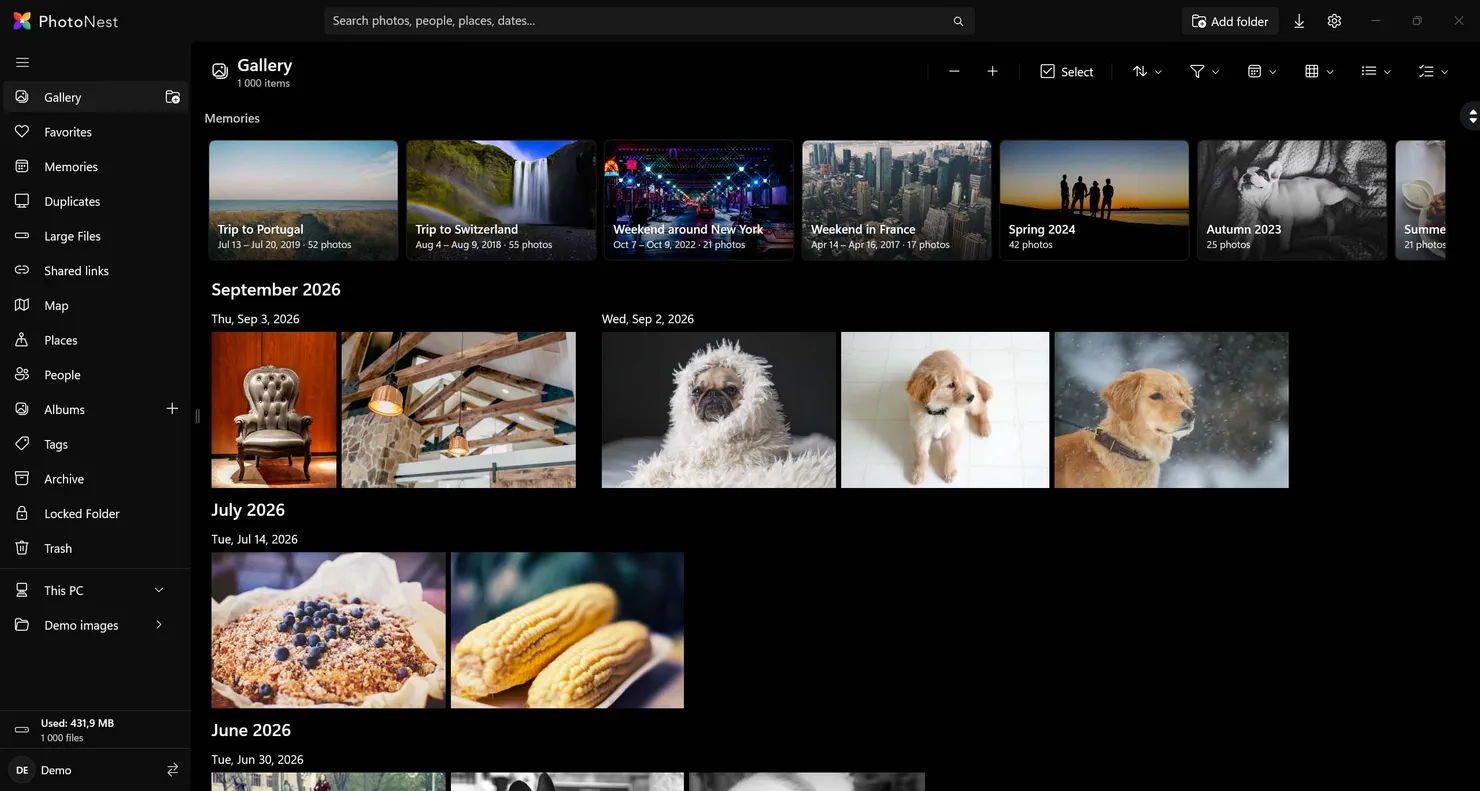
No cloud, no subscription, no server. Browse, search and organize every photo on your PC, fast and fully offline.
Every memory you own, in one beautiful place.
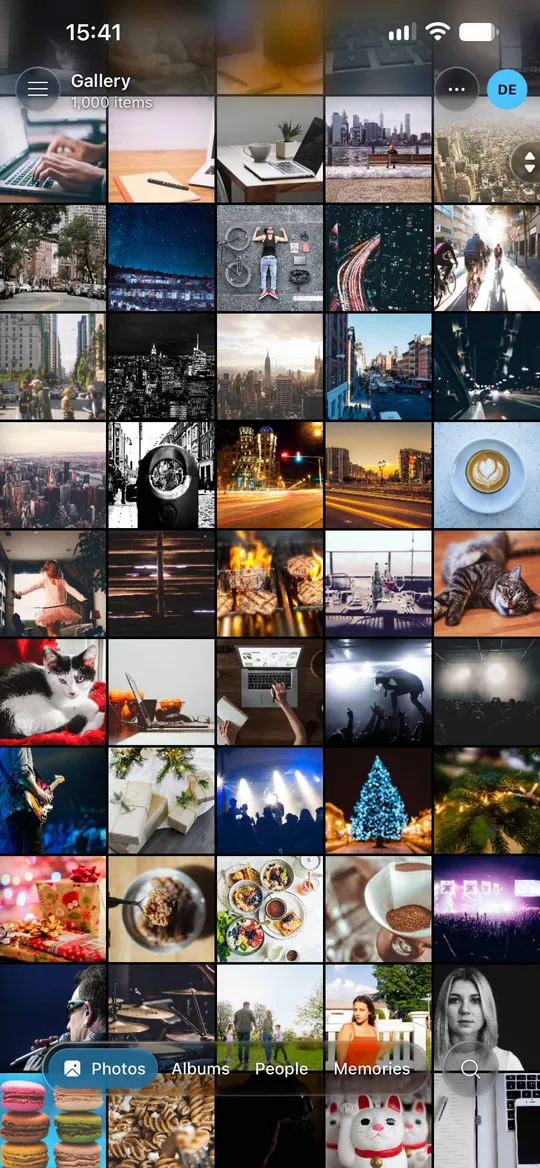
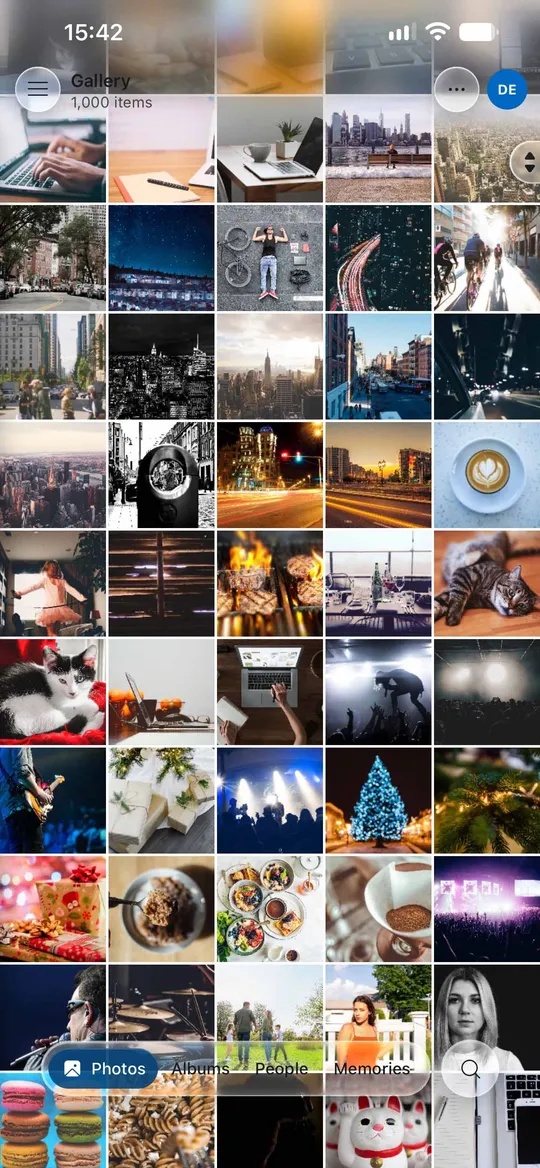
Right on your PC, and in your pocket wherever you go. No cloud required.
ON ITS OWN
A fast photo browser for Windows
Open your folders and fly through your photos. No online account, no phone and no setup needed.
Smooth gallery scrolling, even for huge libraries
Smart Search, faces, map and memories
Works completely offline
ON ANY DEVICE
Your own private photo cloud
Reach your whole library from your phone, tablet or another computer, with the PhotoNest app or any web browser.
Phone camera roll backs up to your PC
Works in any browser, from anywhere, over a private VPN
Wake your PC from your phone when it’s asleep
FEATURES
Google Photos features. None of the cloud.
Everything you’d reach for in a modern photo app, running on the PC you already own.
Point it at your Pictures folder or any drive. No importing, no copying, no lock-in.
Plus everything else you’d expect.
Live and Motion photos
iPhone Live Photos and Android Motion Photos play back.
Albums, tags, favorites
The usual organizing tools, with an info panel and mini-map.
Duplicates and large files
Find wasted space and clean it up.
Trash
A 30-day safety net before anything is deleted.
Formats
RAW, HEIC, SVG and video. HEIC and HEVC need Windows’ HEIF/HEVC extensions or FFmpeg.
Live folder sync
Add, edit, move or delete photos in your folders and PhotoNest picks up the changes on its own. No re-importing.
Archive
Move photos out of your main gallery without deleting them. They stay searchable and easy to bring back.
Stacks
Group related shots into a single stack yourself, so bursts and RAW+JPEG pairs don’t clutter your gallery.
PRIVACY FIRST
Private by design.
Cloud photo services charge monthly, scan your photos and own the storage. PhotoNest turns the PC you already have into your photo cloud.
Local-first
Your library, database, AI and thumbnails all stay on your PC. Nothing is uploaded.
On-device AI
Face recognition and smart search run on your own GPU. There’s no cloud inference.
Secure remote access
A built-in WireGuard VPN with device pairing. Your PC is never exposed to the open internet.
Locked Folder
A separate password for private photos, hidden from the main library.
PHONE AND REMOTE ACCESS
Your library, in your pocket.
Pair your phone once. After that, your whole library goes wherever you do, without passing through anyone’s cloud.
Phone backup
The Android and iOS app backs up your camera roll to your PC automatically.
Access from anywhere
Browse the whole library from your phone or any browser through the private VPN. Needs a one-time router setup.
Wake-on-LAN
If your PC is asleep, your phone wakes it up. You can power it off remotely too.
Multiple users
Each family member gets their own library and settings, with an admin account.
SHARING
Share with anyone. Upload to no one.
Send a link and anyone can open your photos in a browser, served straight from your PC. No app, no account, and visitors can only look.
Share links
Share a whole album or just a few photos. Album links are live, so photos you add show up for everyone who has the link. Create one with a right-click on desktop or web.
Password and expiry
Lock a link with a password. Links expire after 7 days by default, or when you choose.
Location hidden
GPS is removed before visitors see anything. Show camera details and a map only if you allow it.
Downloads your way
Visitors can download originals one by one, as a zip, or not at all.
A clean viewing page
Album grid, full-screen viewer with deep zoom, video and slideshow. Works on phones, in light and dark mode.
Every link in one place
See view counts, copy links or turn them off. Choose who can reach them: VPN, home network or the internet.
Share to apps
Send originals to WhatsApp, Mail, AirDrop and more through the Windows, browser and phone share sheets, RAW files included. Large shares show progress and can be cancelled.
HOW IT WORKS
Up and running in three steps.
1
Step 1: Install on your PC
Download PhotoNest for Windows and run the installer.
2
Step 2: Choose your photo folders
Point it at your Pictures folder or any drive. Nothing is copied or moved.
3
Step 3: Pair your phone
Connect the PhotoNest app on Android or iPhone to back up and browse from anywhere.
Google AI Plus with 2 TB costs €99.99 every year. PhotoNest costs €14.99 once.
Unlike Google Photos and iCloud, there are no storage limits, your photos stay on your PC, AI runs on your own GPU, and everything works offline.
WINDOWS-NATIVE
Native Windows. Nothing to host.
No Docker. No config. Pick your photo folder and go.
FAQ
Questions, answered.
Does it upload anything?
No. Your library, database, thumbnails and AI all stay on your PC. When your phone connects, it talks directly to your own PC over a private VPN, not to a cloud service.
What works without any setup?
Everything on Windows works right after you install it: browsing, Smart Search, faces, the map, memories, albums and duplicates. No online account and no configuration. You just sign in to a local profile on your PC. Remote access from your phone or other devices is optional and needs a one-time network setup.
What do I need for remote access?
PhotoNest connects your devices to your PC with a private WireGuard VPN. To reach it from outside your home, you forward one UDP port on your router to your PC, then pair your phone or other devices.
Does my PC have to stay on?
No. With Wake-on-LAN, your phone can wake your PC when you need your library, and you can power it off remotely too. Wake-on-LAN must be supported and enabled on your PC (network card and BIOS) and on your router. Without it, your library is only reachable while the PC is on.
Can I move my library to another drive?
Yes. PhotoNest works with your existing folders, so you can move them to another drive and point PhotoNest at the new location.
What if I stop using PhotoNest?
Your photos stay exactly where they are. PhotoNest never moves, copies or converts your files, so there’s no lock-in. Just uninstall it.
Which devices are supported?
PhotoNest runs on Windows. You can reach your library from Android and iPhone through the PhotoNest app, or from any device with a web browser.
What are the system requirements?
Windows 10 version 1909 or later (64-bit); Windows 11 recommended. A DirectX 12 GPU is recommended. Without one, PhotoNest still works, just slower.
Can I try it before I buy?
Yes. PhotoNest is on the Microsoft Store with a 14-day trial and refund window, so you can test it on your own library first.
What formats are supported?
Common photo formats plus RAW, HEIC and SVG, along with video, iPhone Live Photos and Android Motion Photos. HEIC photos and HEVC video are decoded by Windows, so install Microsoft’s HEIF and HEVC Video Extensions, or point PhotoNest at your own FFmpeg. Without them, iPhone photos won’t open.
Bring your photos home.
Download PhotoNest for Windows, choose your folders and pair your phone in minutes.